 Lintel
For contractors & builders
Run the whole job — bid to final payment — from your phone.
Lintel puts your estimates, invoices, change orders, schedule, crew time, client approvals and job photos in one app. The office and the field finally share the same source of truth — and the crew never sees your costs or your clients' money.
Works on any phone, tablet or computer · built to keep working with no signal
Why Lintel
One app instead of a pile of them
Quotes in one app, the schedule in a spreadsheet, the crew on a group text, receipts in a shoebox — and no one number you can trust.
Lintel replaces that pile. Build an estimate, send it for the client to sign, schedule the work, clock the crew in, snap the photos, and invoice — all against the same job, so the numbers always line up.
It's built the way a job actually runs. The owner sees costs, margins, quotes and client details. The crew sees only what they need to get the work done — never your pricing, never your billing, never your client list.
And because job sites don't always have signal, Lintel keeps working offline and syncs the moment you're back in range.
How it works
Footings before walls — Lintel follows the job in order
Bid it
Build an estimate from line items and your saved templates. Add change orders as the job grows.
Send it
The client opens their own portal, reviews every line, and signs right on the screen.
Run it
Schedule the phases, assign the crew, track the time clock, and file photos and plans against the job. Scan a room in 3D to capture measurements on the spot.
Get paid
Turn the estimate into invoices and draws, scan receipts as you spend, and watch the balance come down as payments land — while your books build themselves in the background.
What you'll see
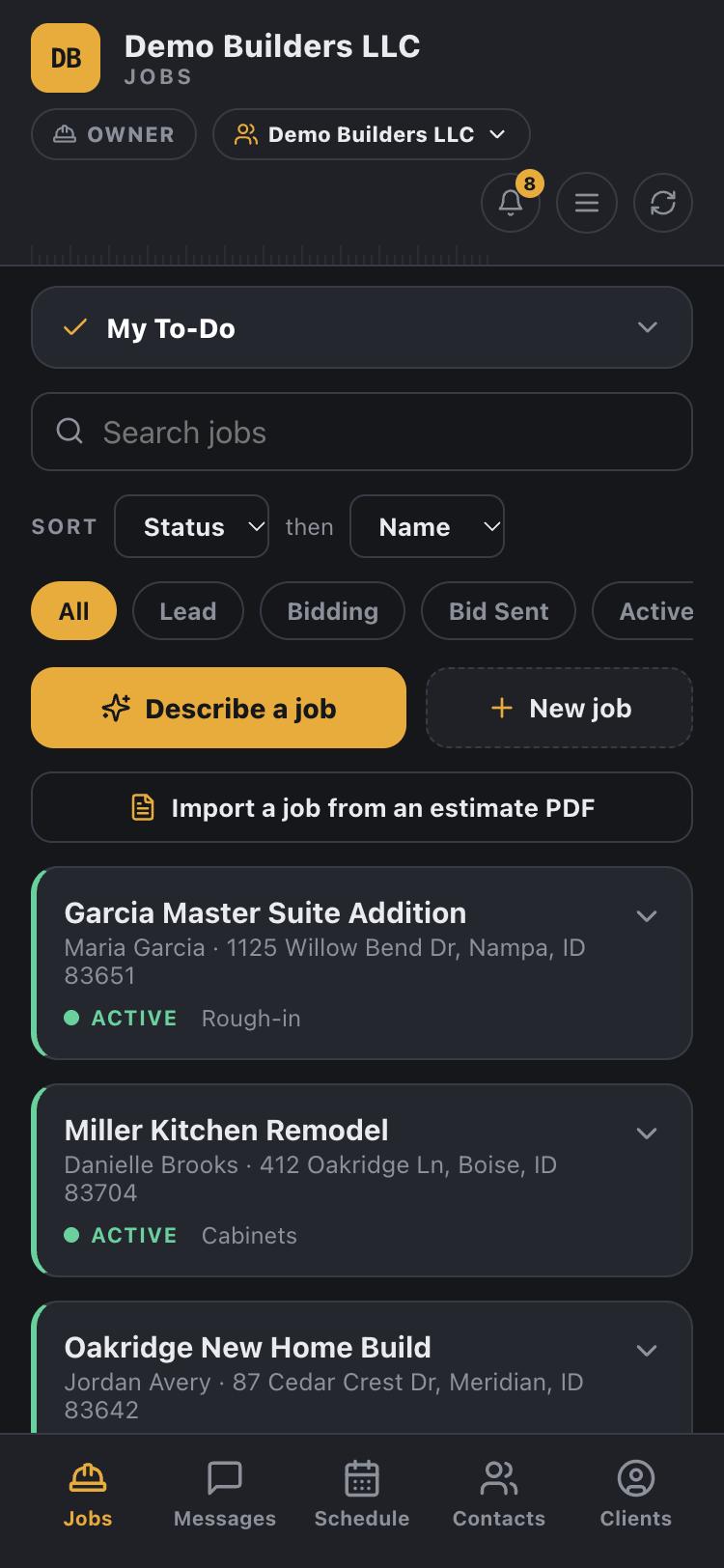
The same job, from the office and the field
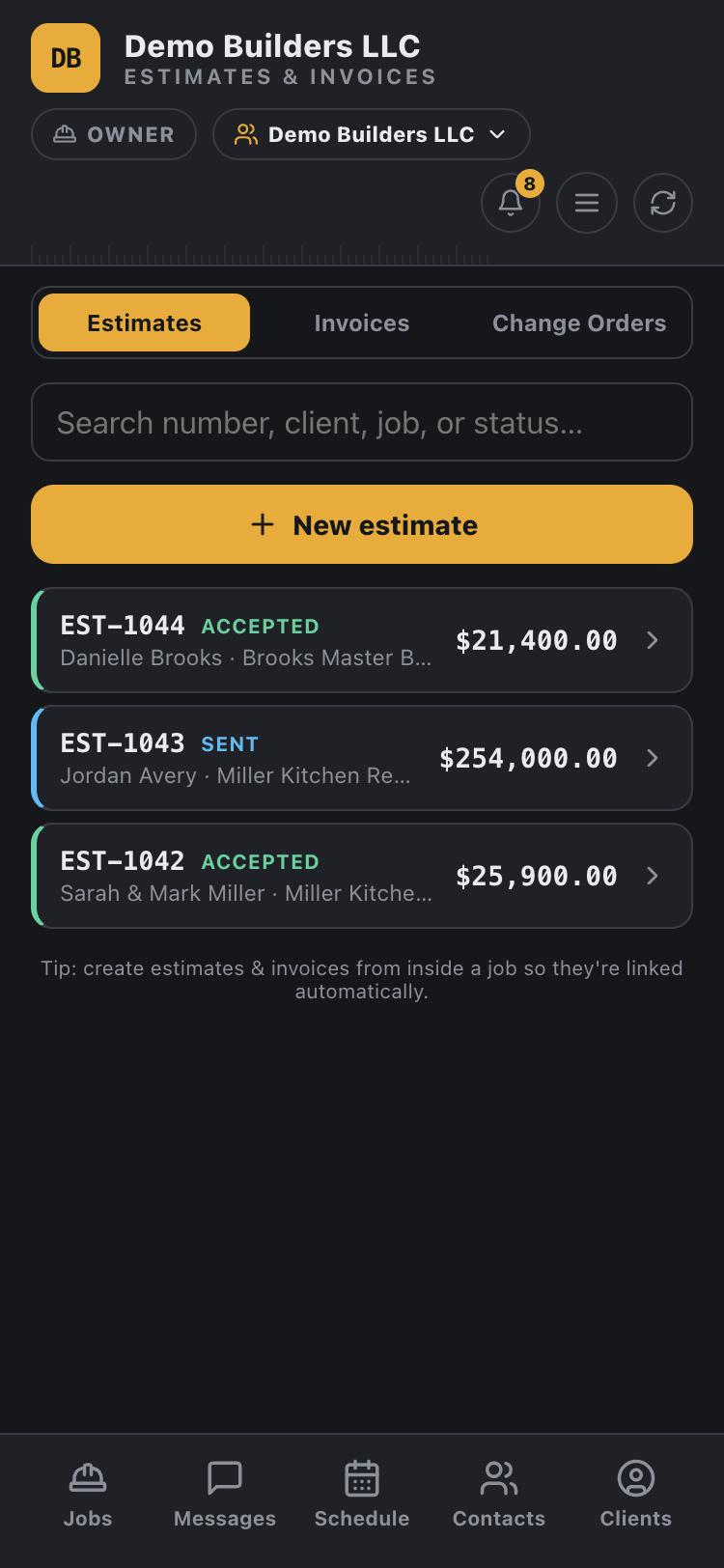
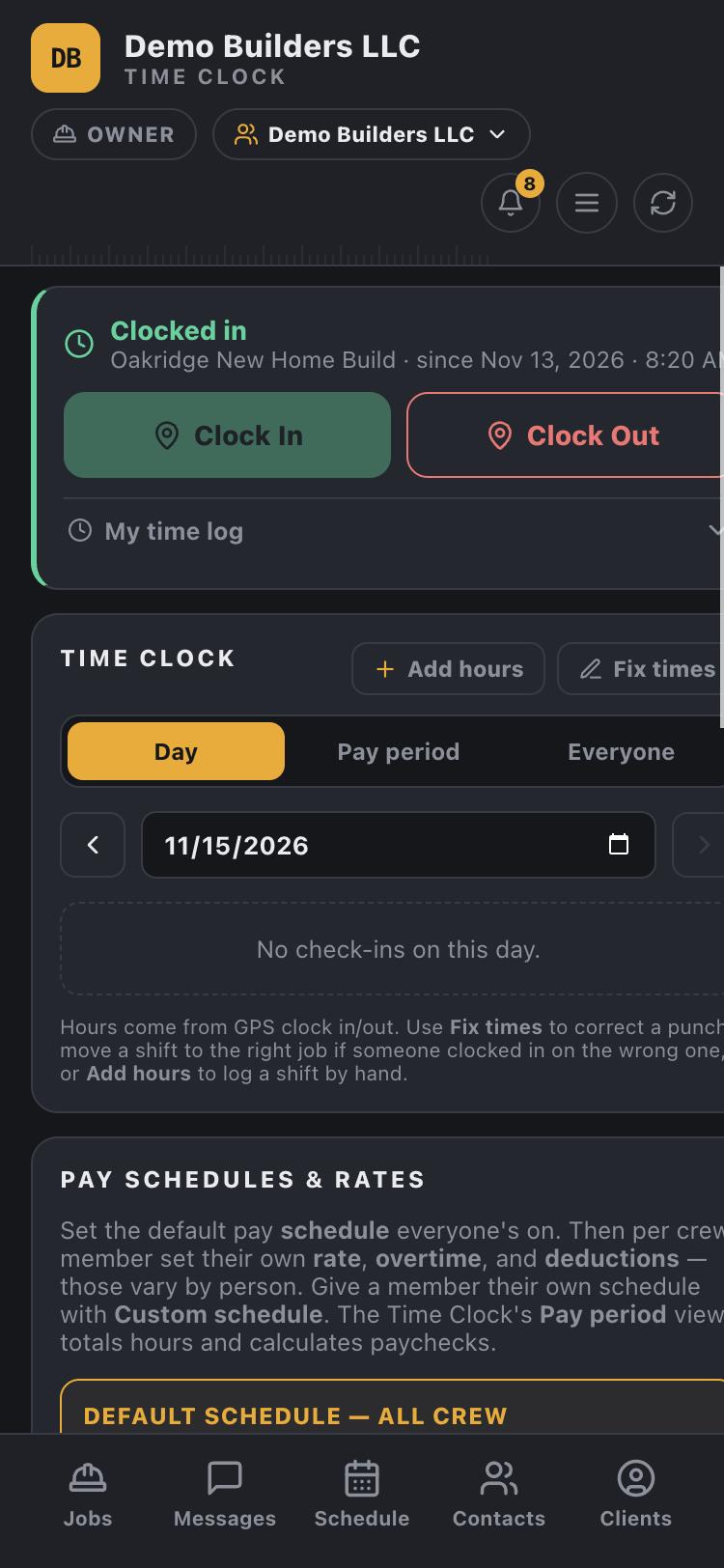
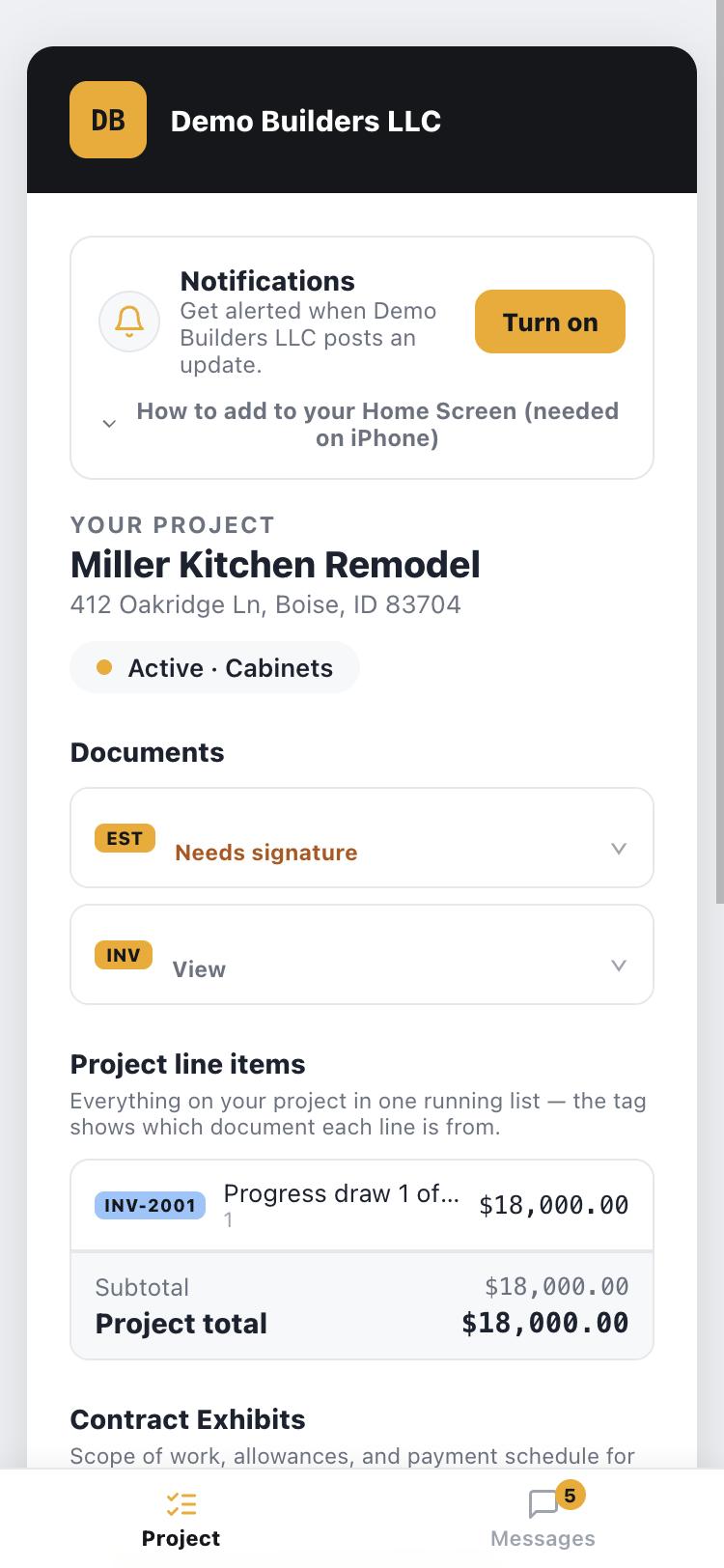
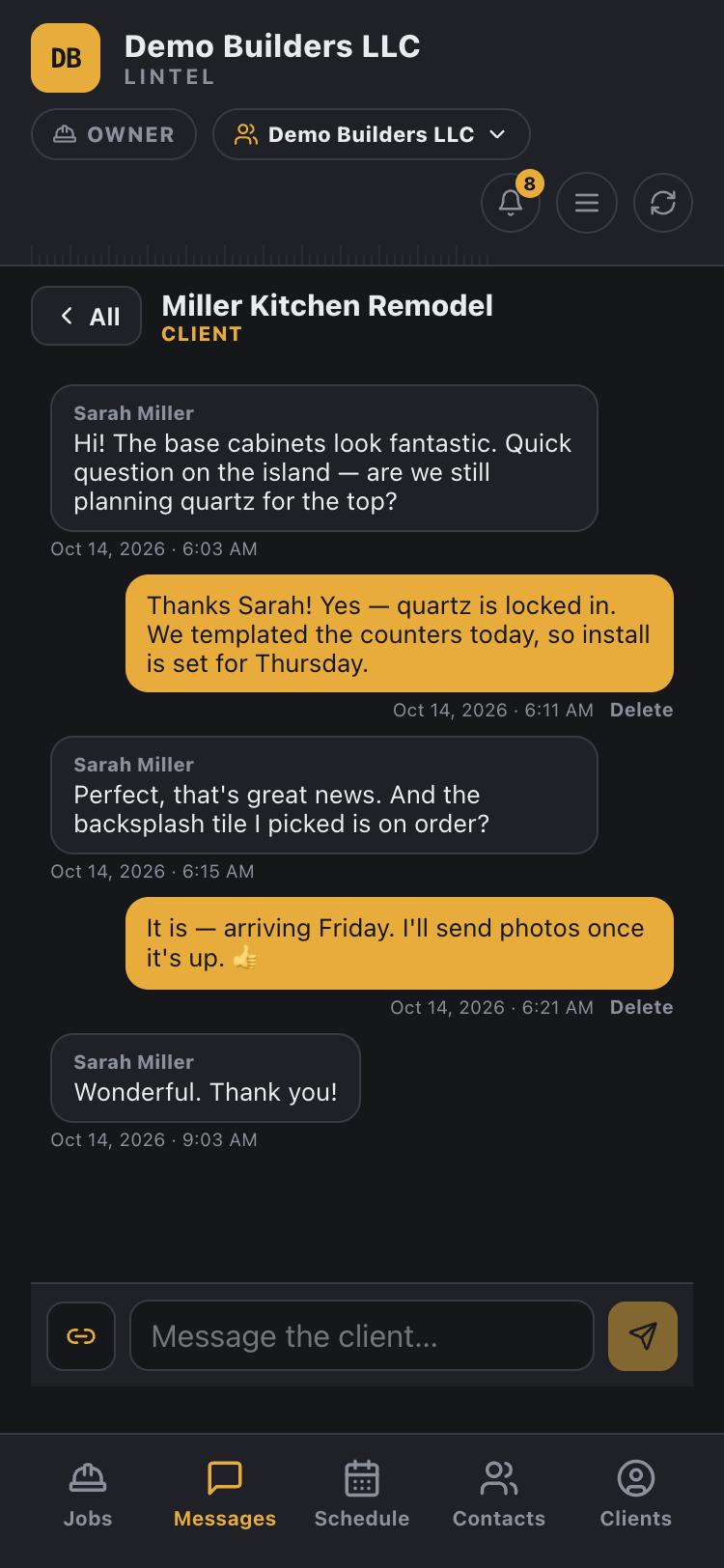
New · 3D job-site scanning
Map a room in 3D by pointing your phone at it
Camera & LiDAR capture
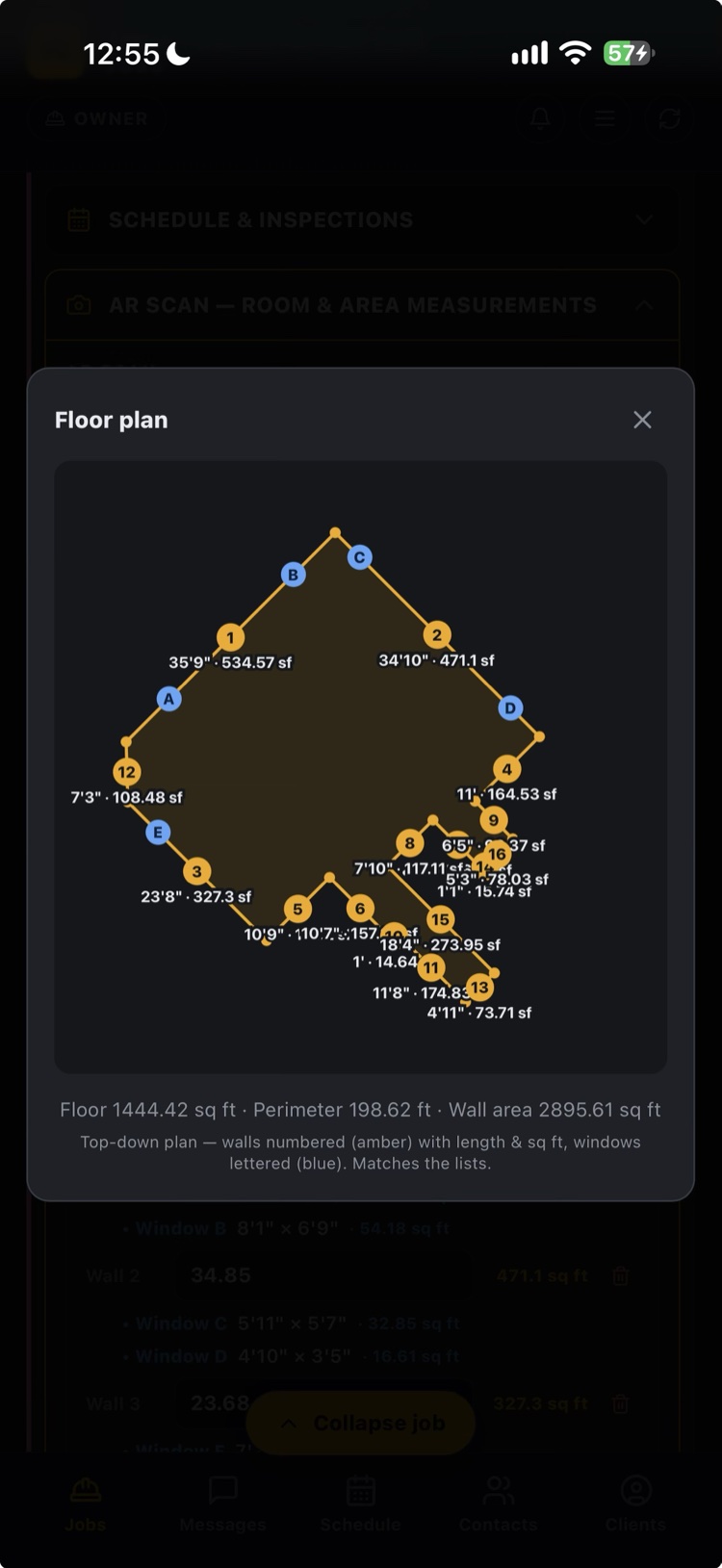
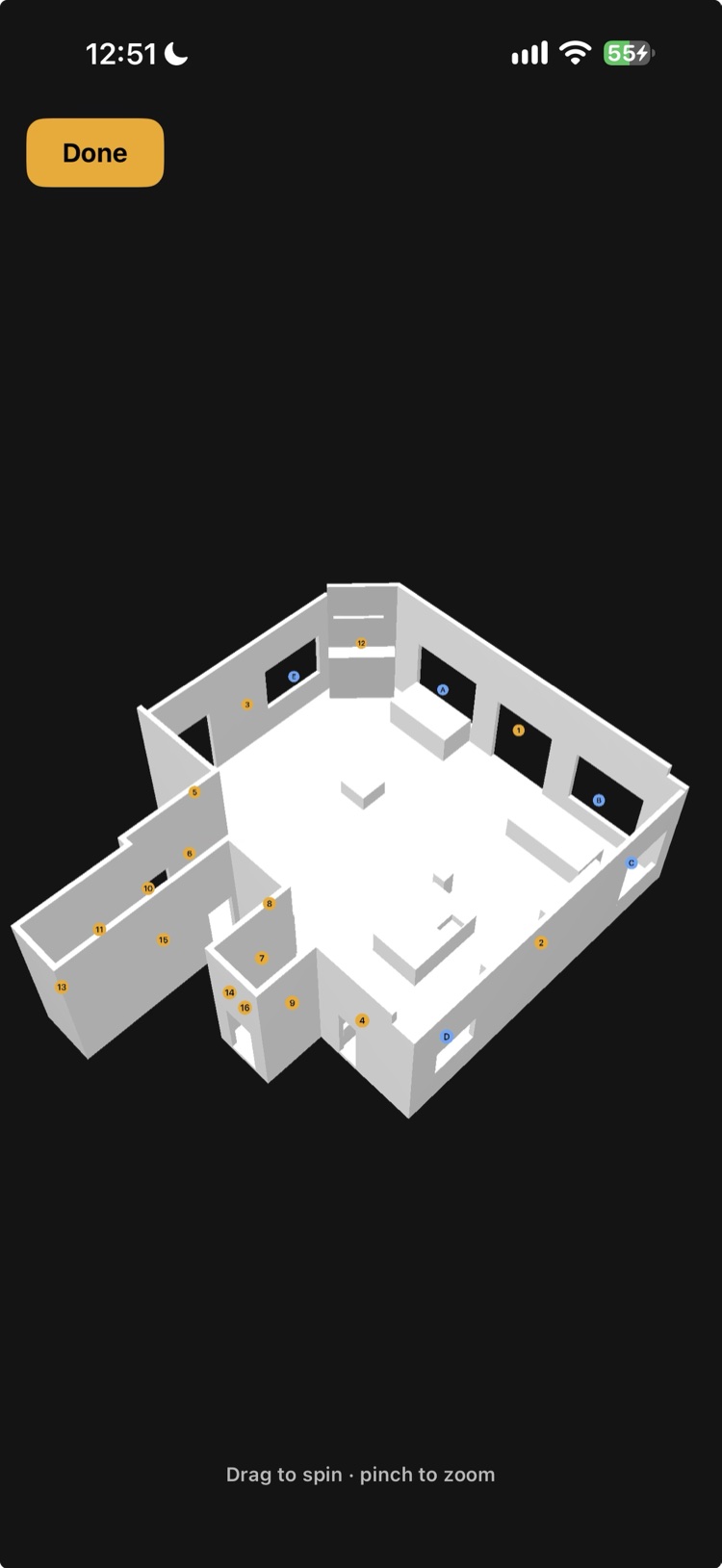
Walk the space once. Get measurements, a 3D model and a plan.
Using the iPhone's camera, Lintel captures the room as you move — no tape measure, no sketching on the back of an invoice:
- ■Scan a room or an area — an enclosed room, or an open space like a patio or deck.
- ■Walls, windows & doors, measured for you — each wall gets its own length and square footage; every window and door is sized automatically.
- ■See it in 3D and as a floor plan — a rotatable 3D model and a clean, labeled top-down plan.
- ■Hand it to a draftsman — export a dimensioned as-built PDF (windows and doors drawn as measurable openings), a CAD file (DXF) and a 3D file.
New · Bookkeeping
Your books, built from the work you already did
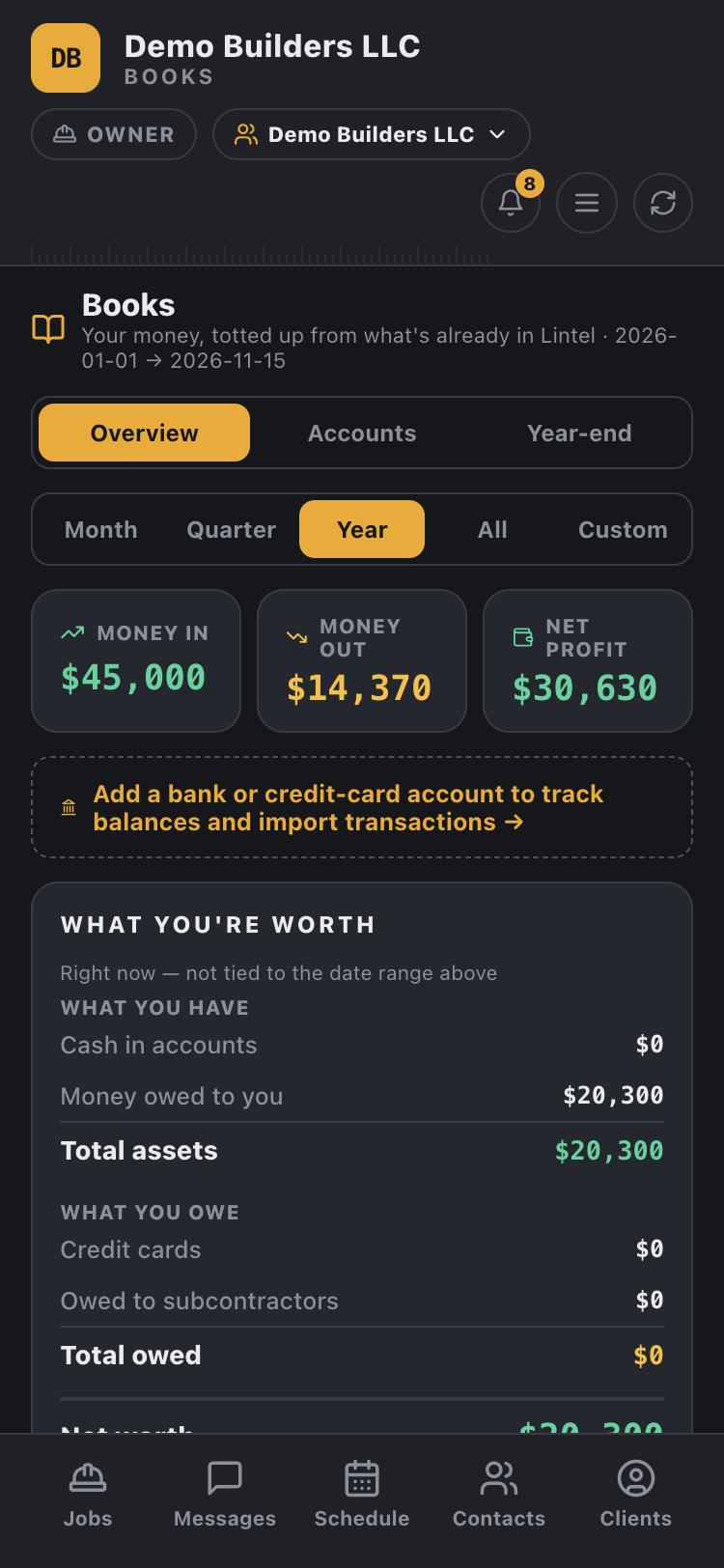
Profit & Loss · Balance Sheet · A/R & A/P
A full set of books — without the double entry
Every estimate, invoice, payment, draw and sub bill you already track in Lintel totals straight into your books. Nothing to re-key, no separate accounting app to reconcile against:
- ■Profit & Loss, Balance Sheet, A/R and A/P — built automatically and always up to date.
- ■Profit by job — see which jobs actually made money, not just the business as a whole.
- ■Import your bank — bring transactions in by CSV, sort them into income and expenses, and reconcile against what Lintel already knows.
- ■Year-end ready — 1099-NEC totals for your subs and a clean CSV your CPA can import.
- ■Sales tax tracked — the tax you've collected, totaled as the payments come in.
Already on QuickBooks? Connect your account and send your expenses straight to QuickBooks Online — no re-keying there either. Books is owner-only; your crew never sees it.
Features
Everything it takes to run the business
■Estimates & invoices
Build estimates from line items with quantities, units and tax, save the ones you reuse as templates, and turn any estimate into an invoice in a tap.
■Change orders
Add work as the job grows. The client signs each change order, and it rolls into the project total and the balance automatically.
■Draws & payments
Bill in draws across one or several estimates. The client sees a single combined view and a running balance as payments come in.
■Bookkeeping
A full set of books built from your Lintel records — Profit & Loss, Balance Sheet, A/R and A/P, profit by job and sales tax. Import your bank by CSV, reconcile, and export a 1099-NEC and CPA-ready CSV at year-end. Owner-only.
■QuickBooks Online
Already on QuickBooks? Connect your account and push your expenses straight to QuickBooks Online, so you're not entering everything twice.
■Client portal & e-signatures
Send a link that opens the whole project. The client reviews every line and signs right on their phone — no account to create.
■Client questionnaire
Send new clients a short intake form — contact details, project info, budget, site photos and inspiration. Their answers flow straight into the job and start their project, so you're not chasing details by hand.
■Sign documents
Drop a signature spot on a PDF contract or change order and send it; the client taps to sign, and you get the signed copy back.
■Jobs & daily log
Each job carries its status, phase, notes, to-dos and a daily log, so the whole history of the work lives in one place.
■Scheduling
A projected phase schedule for every job, shown as a timeline or a month calendar that reflows as the real work gets done.
■Crew time clock
Crew clock in and out with a GPS stamp of the job site. The owner is notified, and hours roll straight into payroll.
■Payroll & taxes
Run pay periods with federal and all-50-state tax withholding, hourly or salary pay, and piecework — paychecks built straight from the hours your crew already clocked.
■Overhead & insurance
Track liability insurance, workers' comp and overhead so your true labor burden and job costs are built into the numbers — not guessed at.
■Tool checkout
Crew check tools in and out from their phone, so you always know who has what. The owner is notified and logs can't be erased.
■Messaging
Separate client and crew channels on each job. Tag a line item, document, photo or draw so everyone's talking about the same thing.
■Photos, files & plans
Snap job-site photos, keep receipts, and file plan sets and documents against the right job and trade.
■Receipt scanning
Snap a receipt and Lintel reads the vendor, date and total, then files it as a job cost. Keep it as redacted proof against the job without exposing a card number.
■3D room scanning
Scan a room or open area with the iPhone's camera to capture its exact shape. Walls, windows and doors are measured for you — each wall with its own length and square footage — and shown as a 3D model and a labeled floor plan.
■As-built plans & exports
Turn a scan into a dimensioned as-built PDF with windows and doors drawn as measurable openings, plus a CAD file (DXF) and a 3D file to hand straight to your draftsman or architect.
■Contacts
Keep your subs and suppliers in one book, shared with the crew read-only so they can reach the right people without seeing your clients.
■Sub & vendor jobs
Do sub work for another contractor? See those jobs right inside your own app and send a quote, invoice or change order — with a PDF — without switching accounts, and track what you're owed.
■Works offline
The field doesn't always have signal. Lintel keeps working offline and syncs every change the moment you're back in range.
■Owner vs crew
Costs, quotes, billing and client details are never shown to crew or subcontractors — it's built into the app, not left to a setting.
■Office / viewer access
Give the office a read-only seat that sees the whole business but can't change anything — perfect for a bookkeeper or admin.
■State-aware contracts
Contract exhibits and the required consumer disclosures adjust to the job's state, so your paperwork fits where you build.
■Import from a PDF
Switching from another tool? Bring a job in from an existing estimate PDF and pick up where you left off.
On your iPhone & Apple Watch
A real native app, not a web page in a wrapper
Built with the phone, not around it
Clock in from your wrist. Catch alerts the moment they land.
Lintel is a true native iPhone app, so it uses the hardware your crew already carries:
- ■Push notifications — clock-ins, client signatures, questionnaire submissions, new messages and approvals, right on the lock screen.
- ■Home-screen widget — jump straight to jobs, estimates, messages or the schedule.
- ■Live Activity — a running clock-in timer on your lock screen and in the Dynamic Island.
- ■Apple Watch app — clock in and out of a job without reaching for your phone.
- ■Camera & GPS — job photos and location-stamped check-ins, built in.
Who it's for
Built for the people who build
General contractors
Run several jobs at once — estimates, change orders, draws, crews and clients — without losing the thread on any of them.
Remodelers & home builders
Walk a client from a signed estimate through change orders, photos and draws to a clean final invoice.
Specialty trades
Quote fast, schedule the work, clock the crew, and get paid — with your subs and suppliers a tap away.
Your data
Yours, and only as shared as you decide
Separated by company
Every company sees only its own jobs, people and documents. It's enforced in the database, not just hidden in the app.
Costs stay with the owner
Pricing, margins, billing and client details are never shown to crew or subcontractors.
No ads, no tracking
Lintel doesn't sell your data or use it for advertising. It's there to run your business, full stop.
Export anytime
Your records are yours. Export your data whenever you want, in formats your accountant can use.
Delete anytime
Close your account from inside the app and your company's data is permanently removed.
Payments by Stripe
Card payments are handled by Stripe. Lintel never stores card numbers.
Pricing
One simple price per company
Start with a free 30-day trial — no credit card. One price covers your whole company; your crew, subcontractors and clients are always free.
- Unlimited jobs, estimates, invoices & change orders
- Client portal with online document signing
- Crew time clock, scheduling, photos, files & plans
- Free logins for your crew, subcontractors and clients
No card required to start. Billing is handled securely by Stripe. Prices in USD.
Get started
Put your next job in Lintel
Start your free 30-day trial on the web today and build your first estimate — no card required. Then get the iPhone & Apple Watch app on the App Store and log in.
Questions? support@lintel.services